How to Track File Downloads in Google Analytics 4
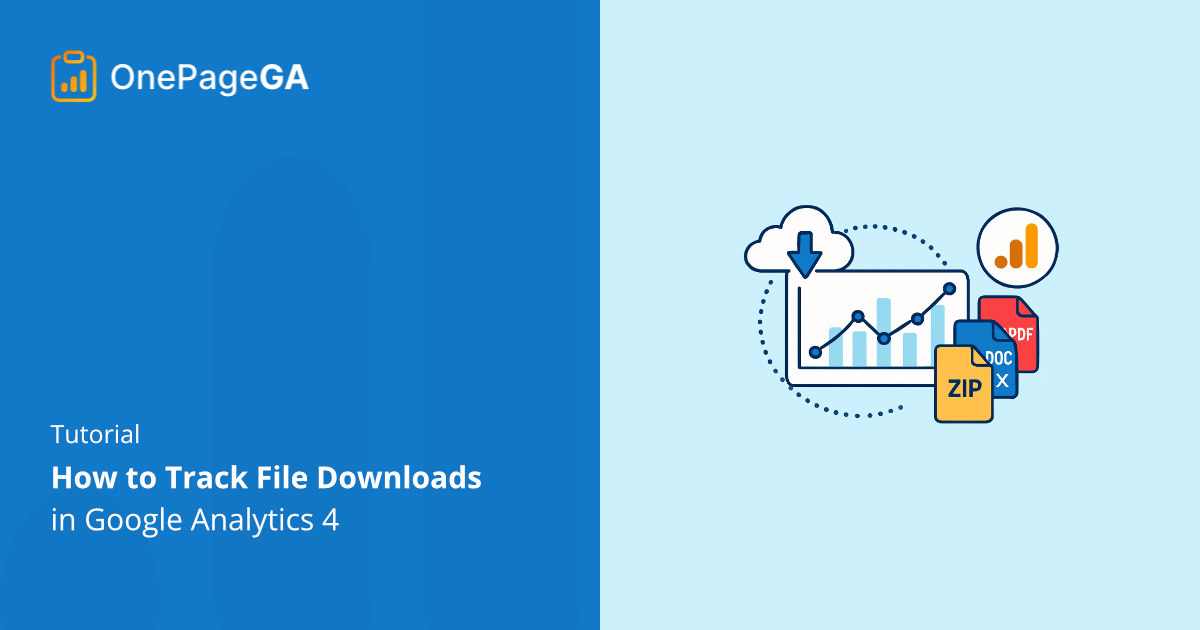
Learn how to track file downloads in Google Analytics 4. See how GA4 records file_download events and how OnePageGA makes download reporting easier.
Elevate Your Google Analytics Game: Expert Tips for Data-Driven Success
Learn how to track file downloads in Google Analytics 4. See how GA4 records file_download events and how OnePageGA makes download reporting easier.
Looking for simple GA4 reports? Here are the best Google Analytics reporting tools that turn confusing data into clear insights you can actually use.
Learn how to measure time on page in Google Analytics 4 using Average Engagement Time. See where to find it, and how make engagement tracking easier.
Wondering can you import UA data into GA4? You can’t move it directly, but you can back up reports, connect BigQuery, and compare past results easily.
Compare OnePageGA vs Google Analytics 4. Discover which tool is best for clear insights, faster setup, and business-focused metrics.
Discover what is a conversion in Google Analytics, how GA4 tracks key events, and why they matter. Step-by-step setup and easy tracking with OnePageGA.
Track form submissions in Google Analytics 4 with Enhanced Measurement. Learn how to log events, mark conversions, and view results in OnePageGA.
Learn what are GA4 events, how they work, and which ones to track for better insights. See the 4 event types in Google Analytics 4, plus event reporting tips.
Discover 10 user behavior analytics tools to see how visitors interact with your site. Track clicks, scrolls, and drop‑offs to improve conversions.
Learn how to increase organic search traffic with simple steps that actually work, from keyword tips to SEO fixes to better analytics reporting.