Google Analytics alternatives are tools that replace or simplify Google Analytics tracking. And honestly, I started looking for one after spending 45 minutes trying to find a simple traffic breakdown in GA4.
45 minutes. For a metric that should take seconds.
GA4 is powerful. No one’s arguing that. But it’s built for data analysts, not website owners who need to know what’s working so they can make more money.
The complexity, the privacy concerns, the endless menu diving. That’s why I tested the best Google Analytics alternatives to find the ones that simplify reporting, respect privacy, and deliver insights you can actually act on.
Here’s how they stack up.
Comparison of Google Analytics Alternatives
| # | Alternative | Best For | Free Plan | Starting Price |
|---|---|---|---|---|
| 🥇 | OnePageGA | Simplifying GA4 for website monetizers | Free trial | From $10/month |
| 🥈 | Matomo | Privacy + full data ownership | ✅ | Free (self-hosted) |
| 🥉 | Plausible | Lightweight privacy-first tracking | Free trial | From $9/month |
| 4 | Fathom Analytics | Premium simplicity and reliability | Free trial | From $15/month |
| 5 | Mixpanel | Product and user behavior analytics | ✅ | Free up to 1M events |
| 6 | Adobe Analytics | Enterprise-level insights | ❌ | From $100K/year |
| 7 | Piwik PRO | Healthcare/finance compliance | Free trial | Custom pricing |
| 8 | Simple Analytics | Ultra-minimalist cookieless | ✅ | From $15/month |
How I Chose These Google Analytics Alternatives
I didn’t just read feature pages and compare pricing charts. I connected the same GA4 property to every platform on this list and used each one for actual work.
My goal? Find which tools make GA4 data easier to understand. And which ones just add another layer of complexity on top of it.
Here’s what I looked at:
- Setup speed: How fast could I connect and start seeing usable data without troubleshooting?
- Simplify vs. replace: Does it pull from existing GA4 data, or do I need to install new tracking code?
- Clarity: Can someone who isn’t a data analyst look at the dashboard and get it right away?
- Privacy features: Cookieless tracking, GDPR compliance, data ownership options.
- Use case fit: Does it actually help website monetizers, agencies, and content creators?
- Pricing and scalability: Is it fair for solo creators, small teams, and agencies managing a bunch of sites?
The tools that made this list all share the same foundation. Fast setup, clear insights, reports anyone can understand.
But they each solve different problems for different people. And that’s the whole point.
The Top Google Analytics Alternatives
I tested dozens of analytics platforms over the past few months. Most were forgettable. A few genuinely changed how I look at tracking.
These 8 stood out.
1. OnePageGA: Best for Simplifying GA4 Without Losing Your Data
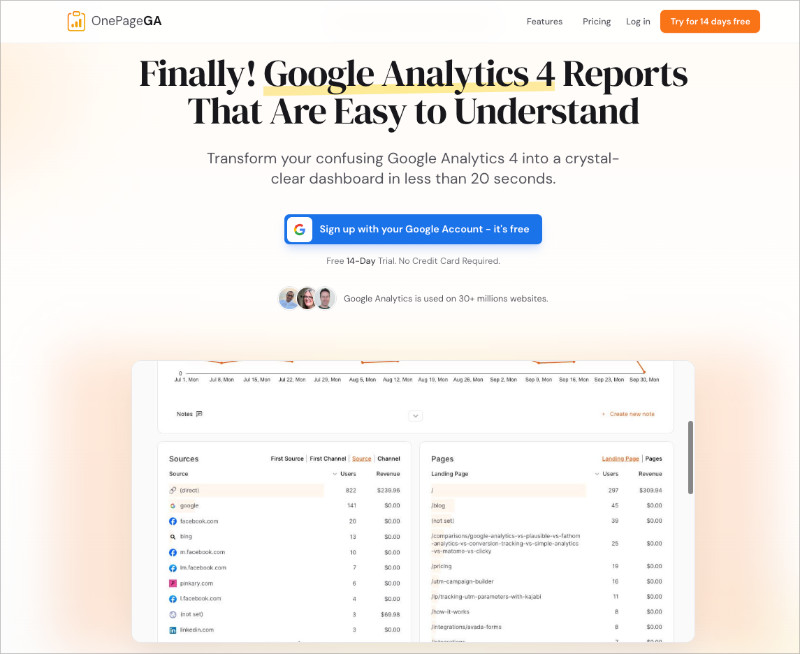
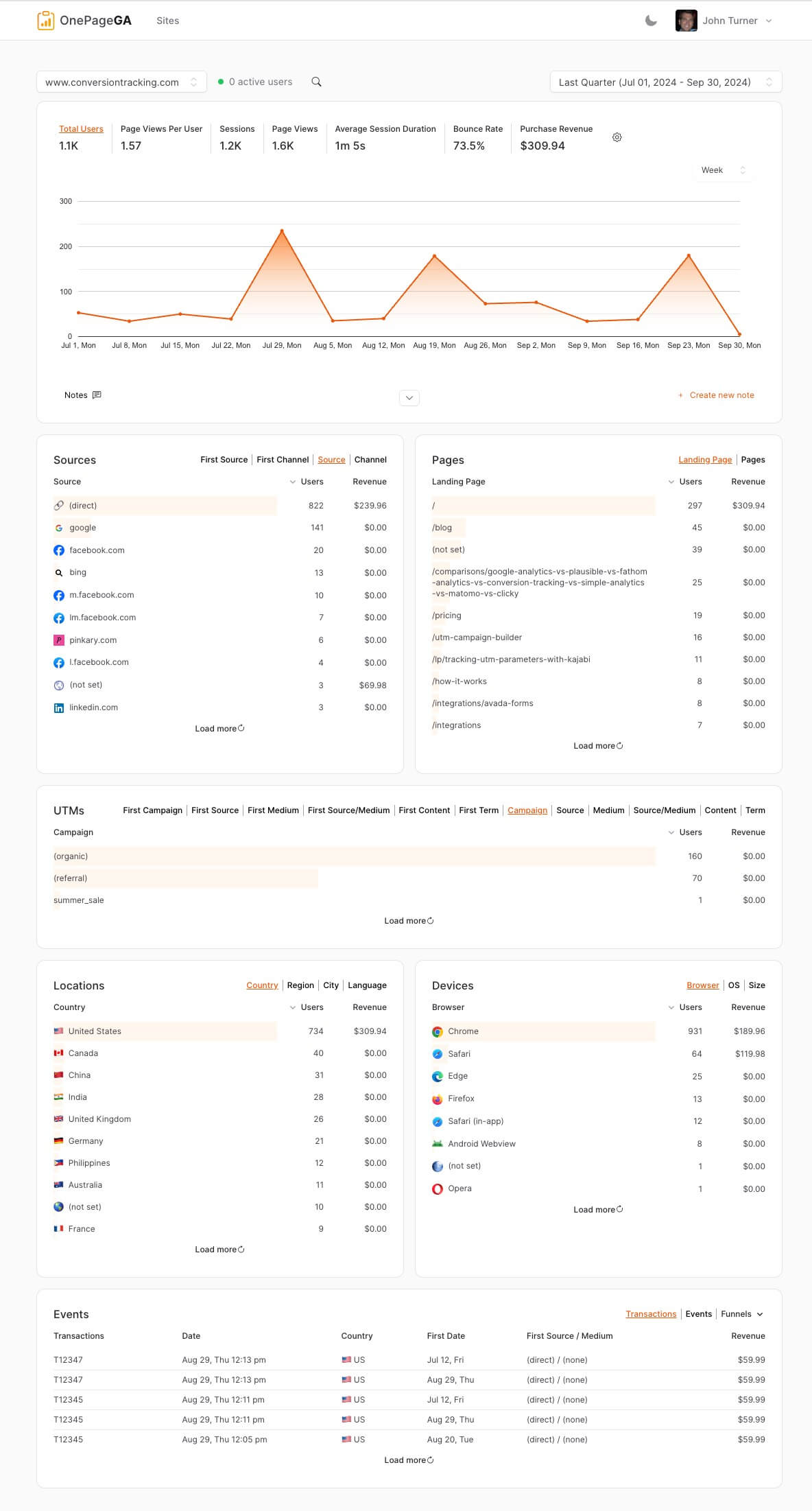
OnePageGA is a lightweight analytics platform that turns complex GA4 data into one clear, visual report.
| Pricing | Personal $10/mo, Business $20/mo, Agency $28/mo per site |
| Free Plan/Trial | 14-day free trial (no credit card) |
| Standout Features | 🔹 20-second setup with Google login 🔹 AI Weekly Insights emailed every Monday 🔹 Reply to emails to ask data questions |
| Rating | A+ |
| Best For | Website owners who monetize and need insights fast |
It’s the tool I now use every day. And I don’t say that lightly. It saves me hours of GA4 menu diving just to find basic metrics.
Setup took 20 seconds. I signed in with Google, picked my GA4 property, and had a complete dashboard waiting for me. I didn’t need to build, filter, or configure anything.
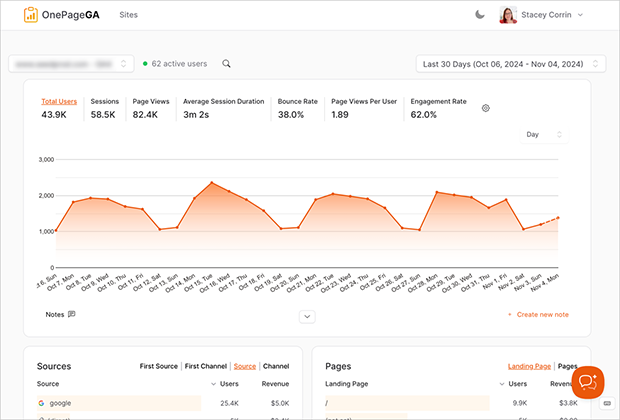
Here’s what really sets OnePageGA apart, though. In January 2026, they launched AI Weekly Insights. Every Monday morning, a personalized email lands in my inbox breaking down my traffic for the week. It spots trends I’d miss on my own and gives me one specific action to take.
And I can reply to that email with a question about my data. Just reply, ask, and get an instant AI answer back. I don’t even need to log in. It’s like having an analyst on call who never sleeps.
For website monetizers specifically, this is where OnePageGA earns its keep. Content creators, affiliate marketers, ecommerce owners, bloggers. You need to know what’s making money. Every minute in analytics is a minute you’re not creating content or optimizing conversions.
OnePageGA shows you your revenue drivers in seconds instead of hours. And if you’re running an agency, the $28/month per site plan makes client reporting ridiculously fast.
| Pros | Cons |
|---|---|
| ✅ Fastest setup (20 seconds) | ❌ Limited customization for power users who want granular control |
| ✅ AI Weekly Insights eliminate logging in | |
| ✅ Works WITH existing GA4 data (no migration) | |
| ✅ Perfect for website monetizers |
In my experience, OnePageGA is the simplest way to turn GA4 data into insights you can actually use. Especially if you’re making money from your website.
2. Matomo: Best for Open-Source Analytics with Full Data Ownership
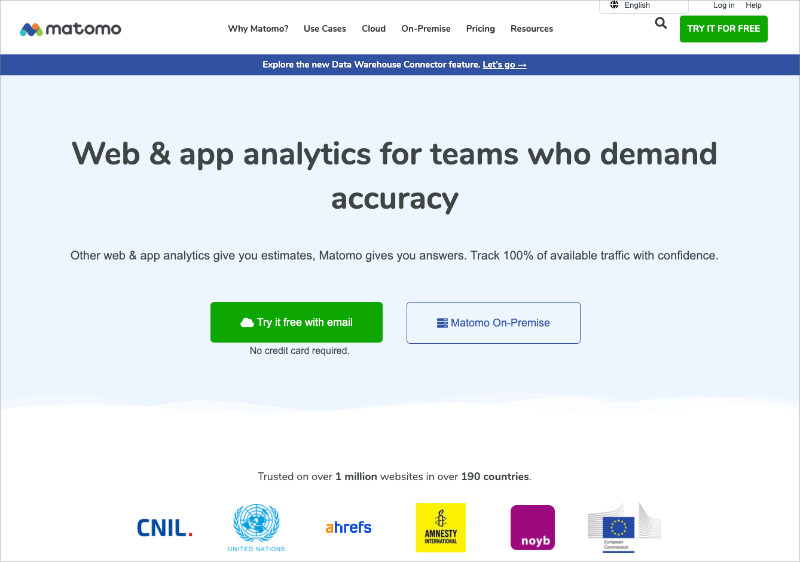
Matomo is the most established open-source Google Analytics alternative. It launched back in 2007 as Piwik, and over 1 million websites use it today.
| Pricing | Free (self-hosted) or from $24/month (cloud) |
| Free Plan/Trial | Yes (self-hosted forever free) |
| Standout Features | 🔹 100% data ownership 🔹 Self-hosted or cloud options 🔹 Heatmaps and session recordings |
| Rating | B+ |
| Best For | Privacy-focused organizations with technical resources |
Matomo is a go-to option if you want complete control over your data. The self-hosted version means your data never leaves your own infrastructure. For organizations with strict privacy requirements like healthcare, finance, or government, that’s a big deal.
The feature set rivals GA4 in a lot of ways:
- Heatmaps
- Session recordings
- Form analytics
- A/B testing
- Goal tracking
It’s designed as a complete GA replacement, not a simplified version.
But here’s the reality. The complexity is similar to GA4 itself. The self-hosted version needs server management, PHP knowledge, and ongoing maintenance. The cloud version takes care of hosting, but the interface still has a steep learning curve. Layers of menus and custom reports that take real time to master.
If Matomo’s privacy features appeal to you but you’re worried about the complexity, that’s worth thinking about.
OnePageGA keeps your data in the Google ecosystem but eliminates the interface overwhelm entirely. For most website monetizers, the time you save matters more than running your own analytics server. That’s time you could spend creating content instead.
| Pros | Cons |
|---|---|
| ✅ Complete data ownership/privacy control | ❌ Steep learning curve (similar to GA4) |
| ✅ Most feature-rich GA alternative | ❌ Self-hosted requires technical expertise |
| ✅ Open-source with active community | ❌ Cloud version expensive at high traffic |
Ultimately, Matomo is best for organizations that need complete data ownership for compliance and have the technical resources to back it up.
3. Plausible: Best for Lightweight Privacy-First Analytics
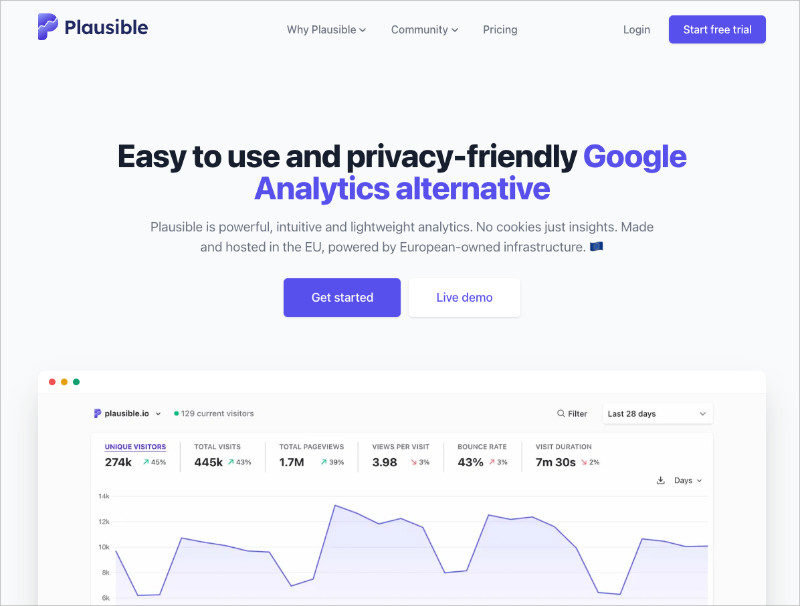
Plausible is a lightweight, privacy-focused analytics platform that gives you the essentials without slowing down your site.
| Pricing | From $9/month (scales with traffic) |
| Free Plan/Trial | 30-day free trial |
| Standout Features | 🔹 Cookieless tracking 🔹 < 1 KB script (45x lighter than GA) 🔹 GDPR compliant by default |
| Rating | A- |
| Best For | Privacy-conscious site owners who want simplicity |
Setup couldn’t be simpler. Add the tracking script, and data starts flowing within minutes. The dashboard follows a one-page design, showing everything at a glance:
- Visitors
- Pageviews
- Bounce rate
- Top pages
- Traffic sources
Real-time updates, with no data sampling, unlike GA4.
And the script weighs under 1 KB. GA4’s is 75 KB. That’s 75x lighter. Your site won’t even notice it’s there.
The privacy focus is genuine. Cookieless tracking means no cookie consent banners cluttering up your site. No personal data collection. GDPR and CCPA compliant by default. The code is open-source, so anyone can verify what it does. And it’s hosted in the EU for data residency.
Privacy isn’t bolted on here. It’s baked into the architecture.
The tradeoff? Basic web analytics only. No advanced segmentation or user-level tracking.
Plausible works brilliantly if you want to leave Google entirely. But there are real limitations to think about:
- No Google Search Console integration (you lose SEO insights)
- No access to your GA4 historical data
- No Google Ads conversion tracking
If you still rely on any of that, OnePageGA lets you keep the full Google ecosystem while simplifying the interface on top of it.
| Pros | Cons |
|---|---|
| ✅ Extremely fast loading, won’t slow your site | ❌ Limited features vs GA4 |
| ✅ Privacy-first by design (no cookie banners) | ❌ No user-level tracking or advanced segments |
| ✅ Clean simple interface | ❌ Lose historical data if you cancel subscription |
If privacy is your top priority and you want a simple, ethical analytics tool, Plausible is a strong pick.
4. Fathom Analytics: Best for Premium Simplicity
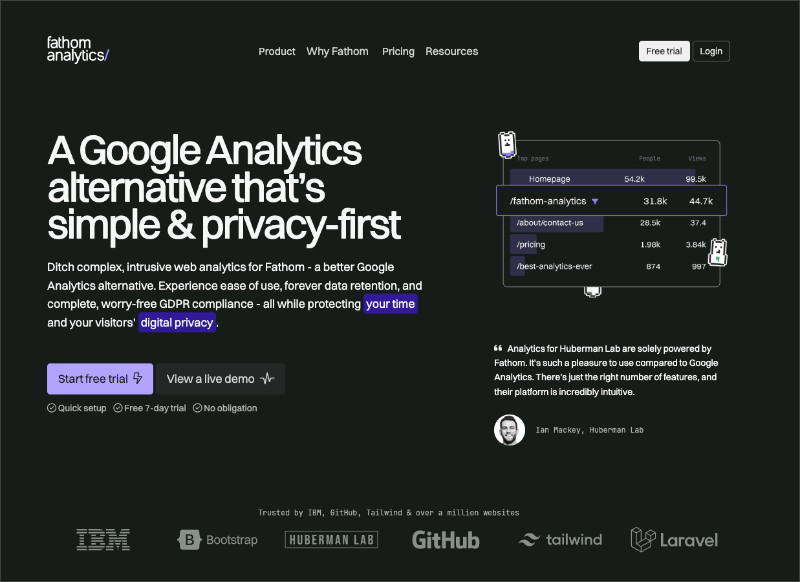
Fathom Analytics targets businesses willing to pay a premium for the perfect balance of simplicity and sophistication.
| Pricing | From $15/month (scales with pageviews) |
| Free Plan/Trial | 7-day free trial |
| Standout Features | 🔹 Forever data retention 🔹 Email reports 🔹 EU hosting options |
| Rating | A- |
| Best For | Businesses prioritizing data accuracy and reliability |
Fathom positions itself as the quality-over-price option, and it was founded by developers who were frustrated with with analytics practices. That frustration shows in the best way possible. The whole product is built around simplicity without sacrificing the stuff that actually matters.
Setup was flawless and took under 10 minutes with clear instructions. Everything about the experience felt intentional.
What impressed me most was the polish across the board. Goal tracking is intuitive with no complicated configuration, email reports arrive on schedule with clean formatting, and you get forever data retention.
That last one is a big differentiator because Plausible’s data disappears if you cancel. Fathom keeps it.
You can also import historical GA data if you’re switching and don’t want to lose continuity, which is a nice touch. They back it all with a 30-day money-back guarantee.
The pricing model scales with traffic though, and that’s where it gets tricky:
- $15/month at the starter level
- $45/month for 500K visitors
That adds up fast as your site grows.
OnePageGA offers similar dashboard simplicity at $10-28/month regardless of traffic volume. It also keeps your GA4 data intact so you don’t lose the Google ecosystem. For growing sites, that’s a better value.
| Pros | Cons |
|---|---|
| ✅ Polished interface and professional presentation | ❌ Premium pricing adds up for high-traffic sites |
| ✅ Forever data retention included | ❌ Basic features compared to GA4’s depth |
| ✅ Excellent uptime and reliability | ❌ No user-level tracking or advanced segments |
If you’re an established business that values reliability and you’re willing to pay a premium for simplicity, Fathom delivers.
5. Mixpanel: Best for Product Analytics
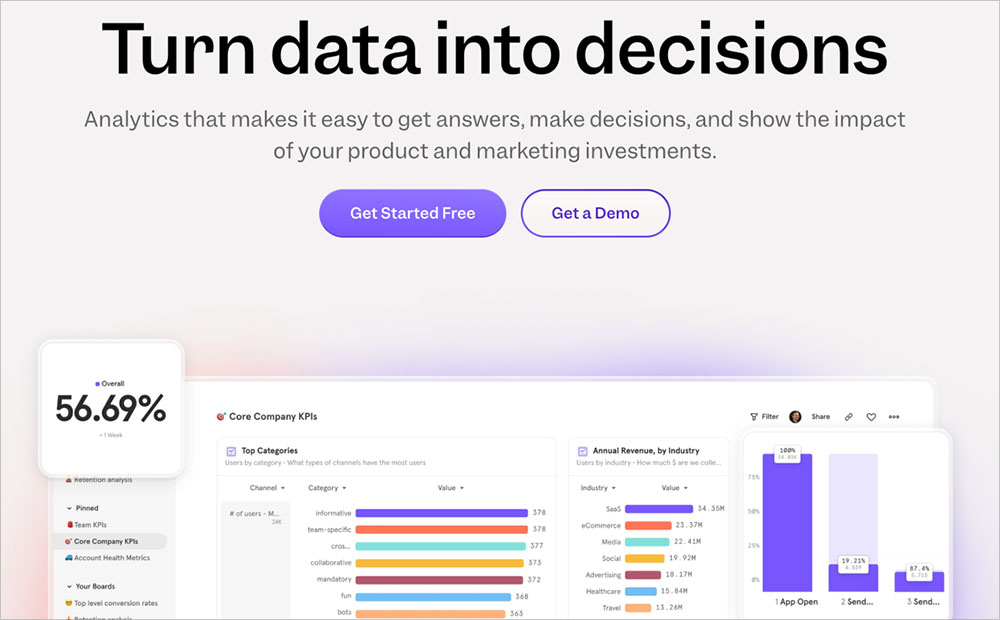
Mixpanel specializes in product and user behavior analytics with event-based tracking.
| Pricing | Free up to 1M events/month, then custom |
| Free Plan/Trial | Yes (1M monthly events) |
| Standout Features | 🔹 Event-based tracking 🔹 User segmentation and cohorts 🔹 Funnel and retention analysis |
| Rating | B+ |
| Best For | SaaS companies and mobile app developers |
Mixpanel operates in a different category than everything else on this list. It doesn’t track pageviews or traffic sources. It tracks what people actually do inside your product. Button clicks, feature usage, user flows through an app.
It’s built for SaaS companies, and the setup reflects that. You need to plan which events to track ahead of time, and the technical implementation is more involved than standard web analytics.
The platform shines when product teams need granular behavioral data. You can:
- Segment users by demographics, behavior, or custom attributes
- Compare cohorts over time
- Build funnel reports showing where people abandon signup or checkout
- Run retention analysis to find which features drive long-term engagement
- A/B test within your product
The free plan is generous at 1M events per month, which covers most startups comfortably. But pricing gets complex at scale and the learning curve is steeper than typical web analytics.
Here’s the key distinction though. Mixpanel answers “which app features drive retention?” OnePageGA answers “which content drives revenue?” They’re solving different problems for different businesses.
Use Mixpanel if you’re building a SaaS product or mobile app. Use OnePageGA if you’re monetizing a website through content, ads, affiliate, or ecommerce. Faster setup, clearer insights, and built specifically for that use case.
| Pros | Cons |
|---|---|
| ✅ Powerful product and user behavior insights | ❌ Requires technical setup and event planning |
| ✅ Generous free plan for startups | ❌ Different use case than web analytics |
| ✅ Great for SaaS and mobile apps | ❌ Pricing gets expensive at scale |
Ultimately, Mixpanel is ideal for SaaS companies and app developers who need to understand user behavior at a granular level.
6. Adobe Analytics: Best for Enterprise
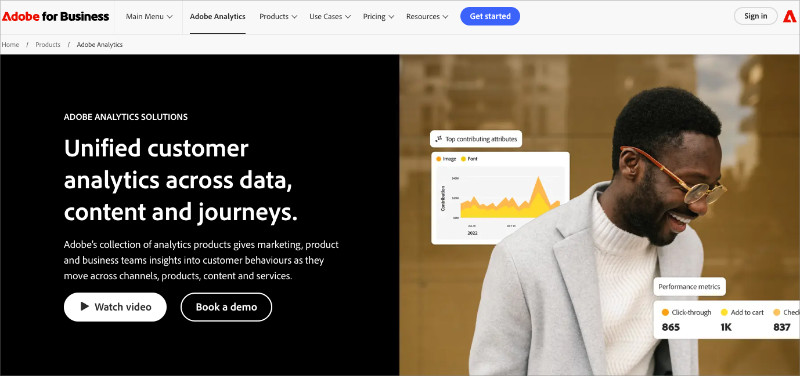
Adobe Analytics is an enterprise analytics platform that provides comprehensive customer journey analysis with unlimited customization.
| Pricing | From $100K+/year (custom enterprise) |
| Free Plan/Trial | No (custom demos available) |
| Standout Features | 🔹 Unsampled data processing 🔹 Advanced segmentation 🔹 Cross-channel attribution |
| Rating | B (for cost/complexity) |
| Best For | Large enterprises with dedicated analyst teams |
Adobe Analytics operates at enterprise scale. It’s built for Fortune 500 companies tracking complex customer journeys across multiple channels, and the pricing reflects that. Annual costs typically land between $100K and $350K+.
The capabilities are unmatched. Unsampled data processing regardless of volume, unlimited customization, advanced cross-channel attribution, and tight integration with the rest of the Adobe Experience Cloud suite.
But accessing all that power requires a massive investment beyond just the license fee:
- Implementation takes 3-6 months with consultants
- Total first-year costs often hit $200K-500K (licensing + implementation + training)
- You need dedicated analysts who understand the interface and terminology
- The learning curve is steep even for experienced marketers
- Vendor lock-in makes migration difficult once you’re committed
Unless you’re managing a Fortune 500 company, Adobe’s capabilities exceed what most businesses actually need. The core benefit everyone wants is the same: instant insights without menu diving.
OnePageGA delivers exactly that for $10-99/month with a 20-second setup. No 6-month implementation, no dedicated analysts required. You get dashboard clarity and actionable recommendations without the enterprise price tag.
| Pros | Cons |
|---|---|
| ✅ Most powerful analytics platform available | ❌ Six-figure annual cost prohibitive for most |
| ✅ Unsampled data and unlimited customization | ❌ 3-6 month implementation required |
| ✅ Advanced cross-channel attribution | ❌ Steep learning curve requires dedicated analysts |
All things considered, Adobe Analytics only makes sense for large enterprises with complex needs and the budgets to match.
7. Piwik PRO: Best for Compliance-Focused Organizations
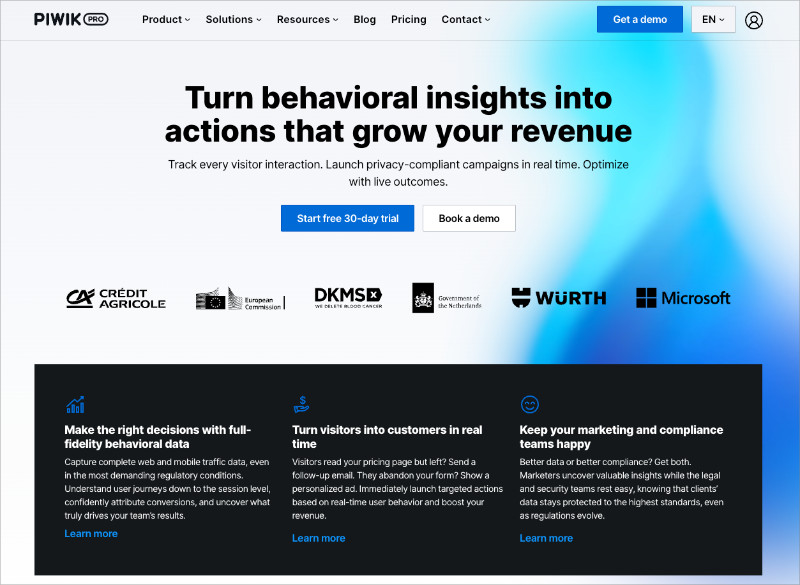
Piwik PRO is designed for organizations in regulated industries that need strict compliance with privacy regulations.
| Pricing | Custom (contact for quote) |
| Free Plan/Trial | 30-day free trial |
| Standout Features | 🔹 GDPR/HIPAA compliant 🔹 EU data residency 🔹 On-premise hosting option |
| Rating | B |
| Best For | Healthcare, finance, government organizations |
Built specifically for healthcare providers, financial institutions, and government agencies, Piwik PRO is a fork of Matomo (the original Piwik) with an enterprise compliance focus.
Privacy and security are engineered into the foundation, with GDPR, HIPAA, and PIPEDA compliance baked in. You also get EU data residency options and on-premise hosting for complete control.
Organizations with the strictest data requirements trust it for good reason.
The interface feels dated compared to modern alternatives though. The learning curve is steep for non-technical users, and the free plan is extremely limited. It’s essentially a trial version.
Custom pricing typically lands in the expensive range, and for most businesses, it’s overkill. You’d be paying for compliance features you don’t legally need.
It makes sense only if compliance is legally required. Otherwise, there are simpler and cheaper options on this list.
| Pros | Cons |
|---|---|
| ✅ Built specifically for compliance requirements | ❌ Interface confusing for non-technical users |
| ✅ Strong data security and privacy controls | ❌ Limited free plan with expensive custom pricing |
| ✅ Trusted by regulated industries | ❌ Overkill unless compliance is main concern |
Piwik PRO is the right choice if you operate in a regulated industry and compliance is non-negotiable.
8. Simple Analytics: Best for Minimalists
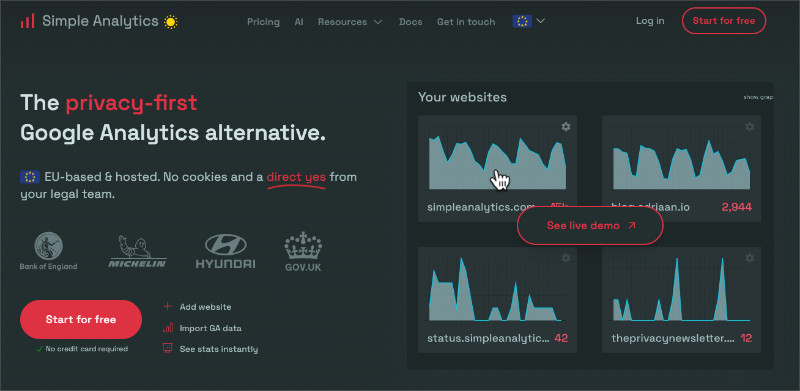
Simple Analytics lives up to its name by providing the most streamlined analytics experience possible.
| Pricing | From $15/month |
| Free Plan/Trial | Free up to 1 month history |
| Standout Features | 🔹 Cookieless tracking 🔹 Ultra-minimalist interface 🔹 API access |
| Rating | B |
| Best For | Minimalists who want almost nothing |
True to its name, this is the most stripped-down option on the list. It shows visitor counts, pageviews, and referrers. That’s about it.
The features are intentionally limited, it’s cookieless and GDPR compliant, and the interface loads instantly. There’s essentially nothing to configure or customize, which appeals to people who feel overwhelmed by data.
The appeal is niche though. The target audience is personal bloggers and side project owners who find even Plausible overwhelming. And the value proposition gets questionable when you look at pricing.
Simple Analytics starts at $15/month. Plausible starts at $9/month with more features. You’re paying more for less.
If you’re running a business and need to grow or optimize, this probably isn’t for you.
| Pros | Cons |
|---|---|
| ✅ Extremely simple (impossible to get confused) | ❌ Too limited for most business needs |
| ✅ Privacy-first (no cookies) | ❌ Higher starting price than Plausible ($19 vs $9) |
| ✅ Clean minimalist interface | ❌ Missing features most marketers need |
Simple Analytics is best for minimalists who genuinely want as little data as possible.
Which Google Analytics Alternative Is Best?
After testing all 8 tools, OnePageGA stood out as the best overall. It delivers what most people actually need: fast setup, clear reports, and actionable insights without any of the GA4 complexity.
Other tools have their place:
- Matomo for data ownership
- Mixpanel for SaaS product analytics
- Plausible or Fathom if you want to leave Google entirely
But for content creators, affiliate marketers, e-commerce owners, and agencies who monetize websites, OnePageGA is the clear winner. It works with your existing GA4 data, sets up in 20 seconds, and delivers AI-powered insights to your inbox every Monday. You don’t even need to log in.
All the power of Google’s data with the simplicity of a one-page dashboard. $10-8/month per site, whether you’re managing one site or dozens.
FAQs About Google Analytics Alternatives
Why use an alternative instead of GA4 directly?
GA4 is powerful but not user-friendly. Alternatives save time by highlighting the metrics that matter without forcing you to dig through menus.
For website monetizers who need to quickly understand what’s driving revenue, that time savings is huge. OnePageGA turns hours of GA4 navigation into seconds. Some users also choose alternatives for privacy compliance or to avoid Google’s data practices entirely.
Which Google Analytics alternatives are free?
Matomo is completely free if you self-host on your own server. Mixpanel has a generous free plan at 1M events per month, which is perfect for startups. Plausible and OnePageGA both offer free trials (30 days and 14 days).
In reality, most feature-rich alternatives charge $10-50/month for full functionality. Still far less than enterprise tools like Adobe Analytics at six figures annually.
What’s the best Google Analytics alternative for agencies?
OnePageGA. The Agency plan runs $28/month per site and lets you manage multiple client dashboards from one account. Clients with GA4 access can see reports instantly without any additional setup. AI Weekly Insights also eliminates manual report creation since clients get automated insights every Monday. If you need more customization and white-label reporting, DashThis is worth a look too.
What’s the best alternative for website monetizers?
OnePageGA was specifically built for this. Content creators, affiliate marketers, ecommerce owners, bloggers making money from their sites. AI Weekly Insights tells you what changed in your traffic and what action to take, so you can spend time optimizing revenue instead of analyzing data. The Personal plan is $10/month for solo creators and the Business plan is $20/month with ecommerce revenue tracking.
Do privacy-focused alternatives affect my SEO?
No direct SEO ranking impact from your analytics choice. There are potential indirect benefits though. Lighter scripts improve page load speed, which is a confirmed ranking factor. Plausible’s script is under 1 KB compared to GA4’s 75 KB. One thing to consider: if you rely on Google Search Console data for SEO insights, tools that work with GA4 (like OnePageGA) keep that integration. Complete replacements like Plausible don’t.
Can I use Google Analytics and an alternative together?
Yes, and many people do. OnePageGA is specifically designed to work alongside GA4. It pulls your existing GA4 data and displays it in a simple dashboard, so you keep all of Google’s tracking and historical data while getting instant clarity. Other alternatives like Plausible and Matomo require running separate tracking code alongside GA4, which can slightly impact page load times.
How do I migrate from Google Analytics?
It depends on which alternative you choose. With OnePageGA there’s no migration at all. You connect to your GA4 account in 20 seconds and start viewing simplified reports immediately. Complete replacements like Plausible and Matomo require adding their tracking code to your site. Most alternatives can’t import historical data, so it’s worth keeping GA4 active for historical reference while using your new tool going forward.
What’s the difference between web analytics and product analytics?
Web analytics tools like OnePageGA, Plausible, and Matomo track website performance. Traffic sources, page views, conversions, content performance. They answer questions like “where are visitors coming from?” and “which pages drive sales?”
Product analytics tools like Mixpanel track user behavior within apps and software. Button clicks, feature usage, user flows. They answer “which features do power users engage with?” and “where do users drop off in onboarding?” Most website owners need web analytics. SaaS companies need product analytics.
If you’re tired of wasting time trying to make sense of GA4, the right alternative can change everything. Your analytics tool should make data simple, clear, and ready to act on. Not something you avoid using.
After testing them all, OnePageGA is the tool I keep coming back to. It gives me instant clarity without the clutter, delivers AI-powered insights to my inbox automatically, and lets me reply with questions when I need more context. All the power of GA4’s data with none of the confusion.
Try OnePageGA free and see your analytics in a whole new way.
You may also find the following guides helpful:
- How to Set Up Google Analytics Click Tracking
- OnePageGA vs GA4: Which Should You Use?
- How to Create Simple Google Analytics Reports
If you have questions or want to join the conversation, you can also find us on X and Facebook.